
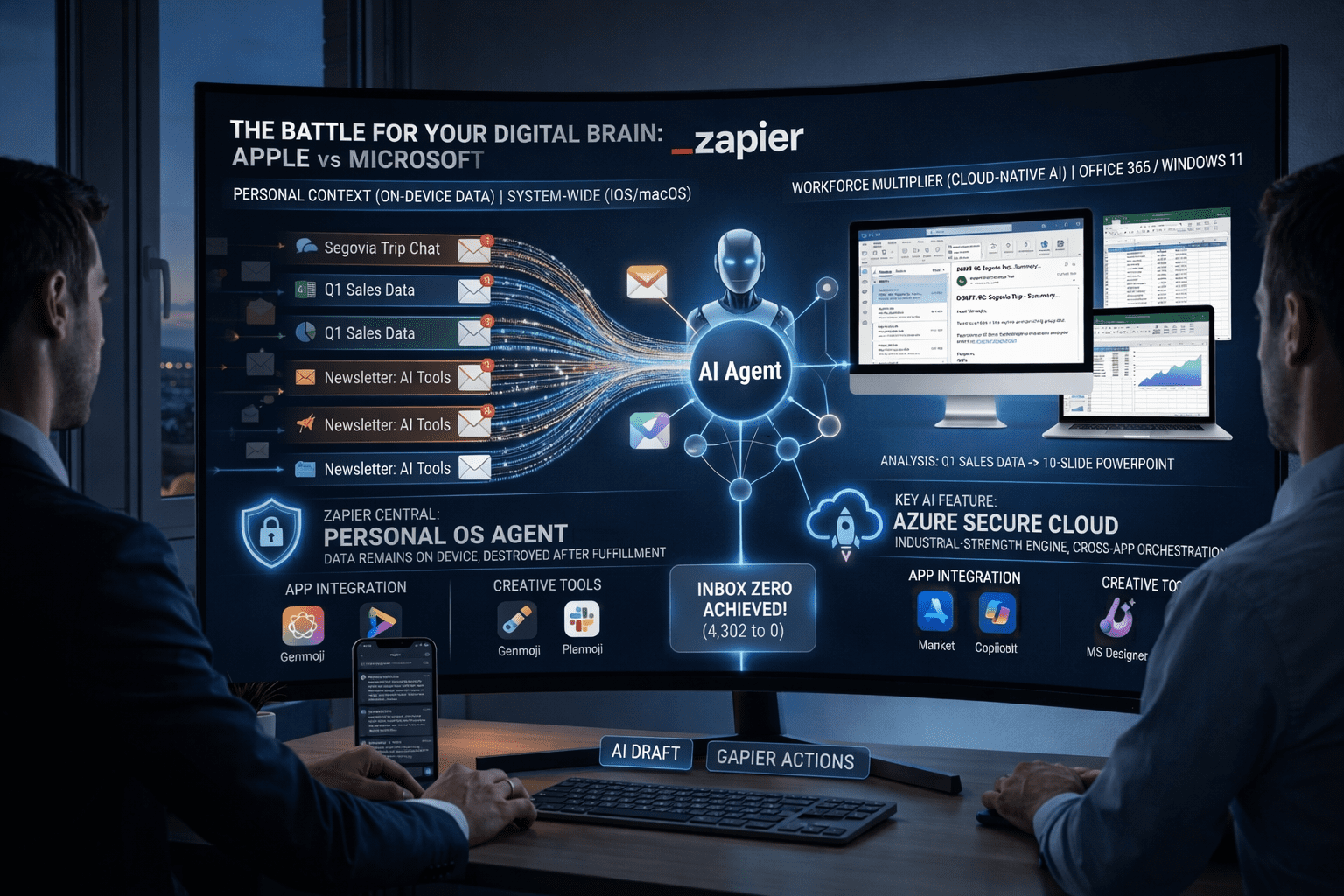
If you want to Automate Inbox Zero with AI Agents, you have come to the right place. Last Tuesday, I stared at a glaring red bubble on my phone screen: 4,302 unread emails. Despite my best efforts to keep up, my inbox had become a digital graveyard of newsletters, cold pitches, and urgent client requests. If you are reading this, you probably know that sinking feeling of “email anxiety.” We spend hours managing work instead of actually doing the work.
For years, productivity gurus sold us the dream of “Inbox Zero.” But let’s be completely real: maintaining Inbox Zero manually is a full-time job. Traditional filters and standard rules simply don’t cut it anymore because they lack context. They can’t distinguish between a casual “thanks” and a critical lead.
However, in 2026, the game has changed. We are no longer limited to static “If/Then” rules. We can now deploy intelligent digital assistants that read, comprehend, and draft replies. In this comprehensive 1500-word tutorial, I am going to show you exactly how to Automate Inbox Zero with AI Agents using Zapier Central. This isn’t just about moving folders; it’s about building a digital clone that thinks like you.
The Paradigm Shift: Why Traditional Filters Fail
Before we dive into the technical setup to Automate Inbox Zero with AI Agents, we need to understand why your current Gmail or Outlook rules are failing you.
Traditional email automation is deterministic. You tell the system: If the subject contains “Invoice”, move to the Finance folder. The problem? Human communication is messy. A client might send an invoice with the subject “Quick question,” and your rule misses it.
AI agents operate on a probabilistic model. When you use Zapier Central to Automate Inbox Zero with AI Agents, the underlying Large Language Model (LLM) actually reads the semantic meaning of the email. It understands context, urgency, and tone. As we explored in my recent deep dive on Apple Intelligence vs Microsoft Copilot 2026, the future belongs to systems that understand context. Today, we are bringing that enterprise-level context directly to your personal inbox to finally Automate Inbox Zero with AI Agents.
Prerequisites: What You Will Need
To successfully Automate Inbox Zero with AI Agents, you don’t need to be a developer. This is a 100% no-code tutorial. However, you will need the following tools:
- A Zapier Central Account: This is the command center where your AI agent lives. You can access it via the Zapier Central platform.
- An OpenAI or Anthropic API Key: This provides the “brain” for our agent.
- A Knowledge Base: A Google Drive or Notion folder where you keep your business FAQs, pricing, and procedures.
- A Secured Perimeter: Before connecting your email to any API, ensure you are using the best AI Cybersecurity Tools 2026 to protect your tokens and data.
Step 1: Creating Your Digital Clone in Zapier Central
The first step to Automate Inbox Zero with AI Agents is to create the agent and give it a personality. Log into Zapier Central and click “Create New Agent.”
Defining the Persona
This is the most critical part. If you give a vague prompt, you get vague results. To effectively Automate Inbox Zero with AI Agents, your agent needs to know who it is. I recommend using this exact structure:
“You are an Executive Assistant for [Your Name]. Your mission is to Automate Inbox Zero with AI Agents by triaging my emails. You are professional, concise, and never send an email without my approval. You have access to my company documents and will use them to answer questions accurately.”
Setting the Guardrails
When you Automate Inbox Zero with AI Agents, you must define what the AI cannot do. Tell it to never draft replies for legal documents or angry customers—those still need your human touch.
Step 2: Building the Knowledge Base (The “Brain”)
An AI is only as smart as the data it has access to. If you want to Automate Inbox Zero with AI Agents effectively, you must feed it context.
In Zapier Central, go to the “Data Sources” tab. Connect your Google Drive and select a folder titled “AI Agent Training.” Inside this folder, you should have:
- Brand Voice Guide: How do you say hello? Do you use emojis?
- Product/Service FAQ: What are your prices? What is your turnaround time?
- Objection Handling: What do you say when someone says “it’s too expensive”?
When a new email arrives, the system will use Retrieval-Augmented Generation (RAG) to find the answer in your docs before drafting. This is the secret sauce to Automate Inbox Zero with AI Agents without sounding like a generic robot.
Step 3: Triggering the “Draft & Notify” Workflow
Now we connect the plumbing. To Automate Inbox Zero with AI Agents, we need a trigger and an action.
- Trigger: New Email (Gmail or Outlook).
- Action 1: “Send to Agent.” The agent reads the email and consults your Data Sources.
- Action 2: “Create Draft.” The agent writes the reply based on your docs and leaves it in your “Drafts” folder.
- Action 3: “Add Label.” Tag the email as “AI-Drafted” so you can find it easily.
This specific workflow allows you to Automate Inbox Zero with AI Agents while remaining the final editor-in-chief. You don’t wake up to an empty inbox; you wake up to an inbox full of finished work waiting for a “Send” click.
Comparative Analysis: Traditional Rules vs. AI Agents
Step 4: Advanced Logic – The “Three-Folder” System
To truly Automate Inbox Zero with AI Agents at scale, I use a three-folder system that the agent manages:
- The “Action” Folder: Emails the AI has already drafted a reply for. You just review and send.
- The “Watch” Folder: Emails from high-value leads that the AI flagged for you to read personally.
- The “Archive” Folder: Automated newsletters and receipts that the AI summarized and filed away.
By using this method to Automate Inbox Zero with AI Agents, you reduce your decision fatigue. You aren’t deciding what to do with an email; the AI has already decided, and you are just verifying.
Troubleshooting: Living with Your AI Assistant
As you begin to Automate Inbox Zero with AI Agents, you might encounter “Hallucinations.” This is when the AI makes up an answer.
How to fix it: If the AI invents a discount you don’t offer, update your Knowledge Base. Add a document called “Strict Policies” and state: “We never offer discounts. If asked, politely decline.” The next time you Automate Inbox Zero with AI Agents, the agent will follow the new rule. For more technical details on model behavior, check the OpenAI API documentation.
Frequently Asked Questions (FAQ)
Is it safe to Automate Inbox Zero with AI Agents? Yes, provided you use enterprise-grade tools like Zapier Central. They use encrypted connections and don’t train their public models on your private emails. Always use 2FA on your accounts.
Will my clients know I’m using an AI? Not if you train the agent on your brand voice. The goal to Automate Inbox Zero with AI Agents is to sound like you, just faster. Most clients will just be impressed by your 5-minute response time.
Does this work on mobile? Since the automation happens at the server level (Zapier), it works regardless of whether you are on your phone or laptop. You will see the drafts appear in your mobile email app automatically.
My Honest Take: The ROI of Your Time
Let’s wrap this up. Learning how to Automate Inbox Zero with AI Agents is not about being “lazy.” It’s about cognitive preservation.
In 2026, your attention is the most valuable commodity you own. Every minute you spend archiving a spam email or typing “I’ll get back to you on Monday” is a minute stolen from your deep work. By taking two hours this weekend to Automate Inbox Zero with AI Agents, you are buying back weeks of your life over the next year.
The “Drafts” folder is your new best friend. Let the AI handle the typing, while you handle the thinking. Go build your agent and take back your morning.