
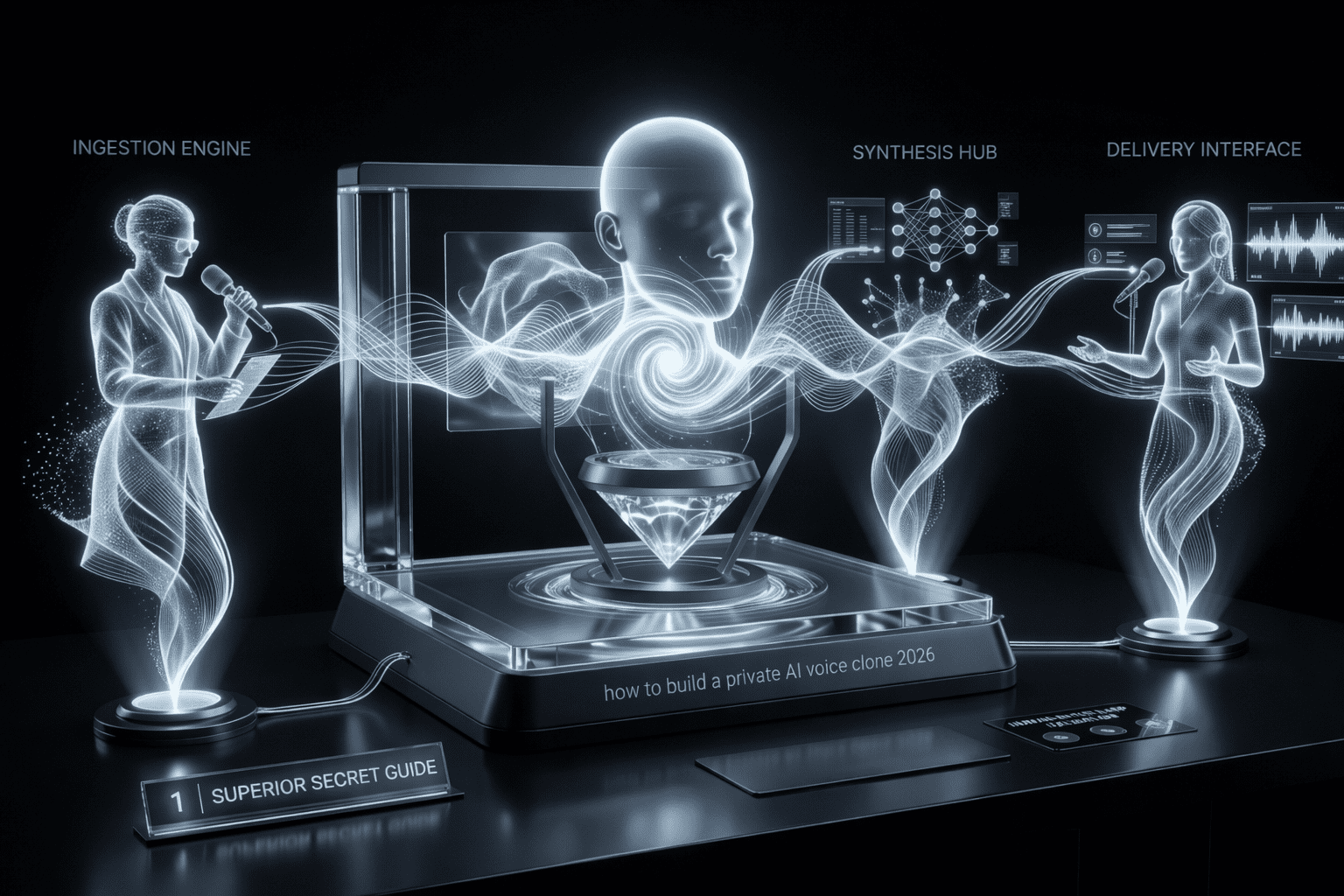
Build a private AI voice clone 2026 has become the ultimate frontier for digital creators who refuse to compromise on privacy or quality. As we move deeper into this year, the ability to replicate a human voice with 99.9% accuracy is no longer restricted to multi-million dollar studios. However, the true challenge lies in doing it securely. Most people flock to cloud-based services that keep your biometric data on their servers forever. In this guide, we are going to show you how to take the power back and build a system that lives entirely on your own hardware.
The decision to build a private AI voice clone 2026 allows you to create consistent content without ever stepping into a recording booth again. Whether you are narrating YouTube videos, creating personalized AI assistants, or dubbing your content into multiple languages, having a localized voice model is a game-changer. If you have already followed our guide on how to use Sora AI to create consistent characters, adding a custom, private voice is the final piece of the puzzle for total creative autonomy.
Why Local Cloning Trumps Cloud Services in 2026
When you build a private AI voice clone 2026, you are solving three major problems: latency, cost, and data sovereignty. Cloud providers like ElevenLabs are incredible, but they are expensive at scale and represent a significant security risk. If their servers are breached, your voice—your literal identity—could be leaked. By choosing to build a private AI voice clone 2026 on your local machine, you eliminate the middleman and keep your biometric signature under lock and key.
Furthermore, local synthesis has reached parity with the cloud. As we analyzed in our best hardware for local AI 2026 comparison, modern GPUs can now handle real-time inference with zero lag. This means you can use your cloned voice for live streaming or real-time interaction without the “robotic” delays that plagued earlier systems.
Phase 1: The Hardware Requirements
You cannot build a private AI voice clone 2026 on a standard office laptop. Voice synthesis, especially the training phase (fine-tuning), is incredibly resource-intensive. You need a dedicated GPU with a high amount of VRAM.
- Minimum: 8GB VRAM (NVIDIA RTX 3060 or better).
- Recommended: 16GB+ VRAM (RTX 4080/4090 or the newer 50-series units).
- Storage: At least 50GB of NVMe SSD space for the datasets and model checkpoints.
If you are unsure about your current setup, I suggest reading our best hardware for local AI 2026 guide to see if you need an upgrade before attempting this tutorial. High-fidelity audio synthesis requires fast memory throughput to avoid “artifacts” in the generated speech.
Phase 2: Choosing Your Software Stack
To successfully build a private AI voice clone 2026, we will use a combination of open-source tools. The industry standard in 2026 for local cloning is a mix of RVC (Retrieval-based Voice Conversion) for real-time tasks and Tortoise-TTS or Bark for high-quality narration.
- Python Environment: Ensure you have Python 3.10+ installed.
- FFmpeg: This is essential for handling audio file conversions.
- Cuda Toolkit: This allows the software to communicate directly with your NVIDIA GPU.
For those who prefer a more “all-in-one” solution, tools like Applio (external link) provide a web-based UI that simplifies the process to build a private AI voice clone 2026. It wraps the complex command-line arguments into a user-friendly dashboard, making it accessible even for those who aren’t developers.
Phase 3: Dataset Preparation (The Secret to Quality)
The most important step to build a private AI voice clone 2026 is the quality of your source audio. If you put garbage in, you will get garbage out. You need 5 to 10 minutes of high-quality, dry (no background music or noise) audio of the target voice.
- Consistency: The tone should be consistent. Don’t mix whispering with shouting.
- Format: Save everything as 44.1kHz or 48kHz mono WAV files.
- Cleaning: Use a tool like Adobe Podcast Enhance (external link) or local alternatives like UVR5 (Ultimate Vocal Remover) to strip away any room reverb or hiss.
When you build a private AI voice clone 2026, your model will capture the “soul” of the audio. If you record in a room with an echo, the AI will perfectly replicate that echo in every generation, which is nearly impossible to remove later.
Step-by-Step Tutorial: Training Your Model
Now, let’s get into the actual process to build a private AI voice clone 2026. We will focus on the RVC method, as it offers the best balance between speed and quality.
1. Pre-processing
Load your cleaned audio files into your chosen software. The system will “slice” your audio into small segments (usually 2-4 seconds each) and create a transcription. This allows the AI to map specific sounds (phonemes) to the physical characteristics of the voice.
2. The Training Loop
Start the training process. You will see terms like “Epochs.” For a high-quality clone, you usually want to run between 200 and 500 epochs. Monitor the “Loss” graph; when the line stops going down and starts flattening out, your model is ready. Trying to build a private AI voice clone 2026 with too many epochs can lead to “overfitting,” where the voice starts sounding robotic or metallic.
3. Extracting the Index
Once training is finished, the software generates a .pth file and an .index file. These two files are your voice clone. Keep them safe and private. This is the core reason you decided to build a private AI voice clone 2026 locally: you own these files, and no one else has access to them.
Technical Comparison: Local vs. Cloud Voice Cloning
Before you spend hours training, it’s important to see why the effort to build a private AI voice clone 2026 is worth it compared to commercial alternatives.
| Feature | Cloud (ElevenLabs) | Private (Local RVC) |
|---|---|---|
| Initial Effort | Very Low (Minutes) | Medium (Hours) |
| Privacy Level | Low (Third-party) | Total Sovereignty |
| Cost per Hour | $20 – $100+ | $0 (Electricity only) |
| Customization | Limited Sliders | Infinite Control |
Phase 4: Inference and Fine-Tuning Emotion
Once you successfully build a private AI voice clone 2026, the next step is using it. This is called “Inference.” You can take any text and have your model read it, or use “Voice-to-Voice” to record yourself speaking and have the AI “skin” your voice with the clone’s characteristics.
To get the best results when you build a private AI voice clone 2026, you should experiment with the “Pitch” and “Index Rate” settings. If the voice sounds too deep or too high, a simple pitch shift of +1 or -1 can fix it. If you want more tips on optimizing AI outputs, our professional Canva tutorial 2026 covers how to integrate these AI assets into high-end video designs.
Securing Your Voice Assets
Since you chose to build a private AI voice clone 2026, you must treat your model files as highly sensitive data. In the wrong hands, a high-fidelity voice clone can be used for social engineering or fraud.
- Encryption: Store your
.pthfiles in an encrypted volume. - No-Cloud Backup: If you must back up your model, use a hardware-encrypted drive rather than a public cloud service.
- Watermarking: In 2026, it is common practice to add a subtle, inaudible high-frequency watermark to your generated audio. This allows you to prove that the audio was generated by your system if someone tries to steal your content.
For more information on staying safe in the age of AI, our ai cybersecurity tools 2026 guide is an essential read.
Troubleshooting Common Issues
While the process to build a private AI voice clone 2026 is more streamlined than ever, you might run into technical hurdles:
- Metallic Voice: This usually means your dataset was too small or your epochs were too high. Try training again with more “Epochs” but a lower “Learning Rate.”
- Stuttering Audio: This is often a hardware bottleneck. Ensure no other heavy applications (like Chrome with 50 tabs) are running while you build a private AI voice clone 2026.
- Slurred Speech: Ensure your source audio didn’t have too much background noise. Use a high-quality gate to remove silence between words in your training set.
If you are struggling with the automation part of the pipeline, our guide on how to build automated AI workflow guide 2026 can help you connect your voice clone to other tools like video editors or chat agents.
Ethical Considerations of Voice Cloning
When you build a private AI voice clone 2026, you hold a powerful tool. It is your responsibility to use it ethically. Never clone someone’s voice without their explicit, written consent. The legal landscape of 2026 is becoming very strict regarding “Deepfake” technology, and having a local setup doesn’t exempt you from these laws.
We always advocate for “Human-in-the-Loop” systems. Use the voice clone to enhance your productivity, not to deceive. If you are interested in how AI is changing the workforce, read our comparison on AI agents for business vs human employees 2026.
Conclusion: The Future is Your Voice
The ability to build a private AI voice clone 2026 is a superpower for the modern era. It grants you the freedom to scale your content, preserve your privacy, and maintain a consistent brand identity across all platforms. By following this tutorial, you have moved from a passive consumer of AI to an active architect of your own digital presence.
As technology continues to advance, the gap between “local” and “studio” quality will vanish entirely. Those who take the time to build a private AI voice clone 2026 today will be the ones leading the creative revolution of tomorrow.
If you enjoyed this tutorial, explore our other AI Tutorials to continue expanding your technical repertoire. From mastering AI video generation 2026 to setting up multi-agent AI systems, Novairadar is your primary source for the future of intelligence.
Ready to start recording? Your private AI voice is just a few training cycles away.