
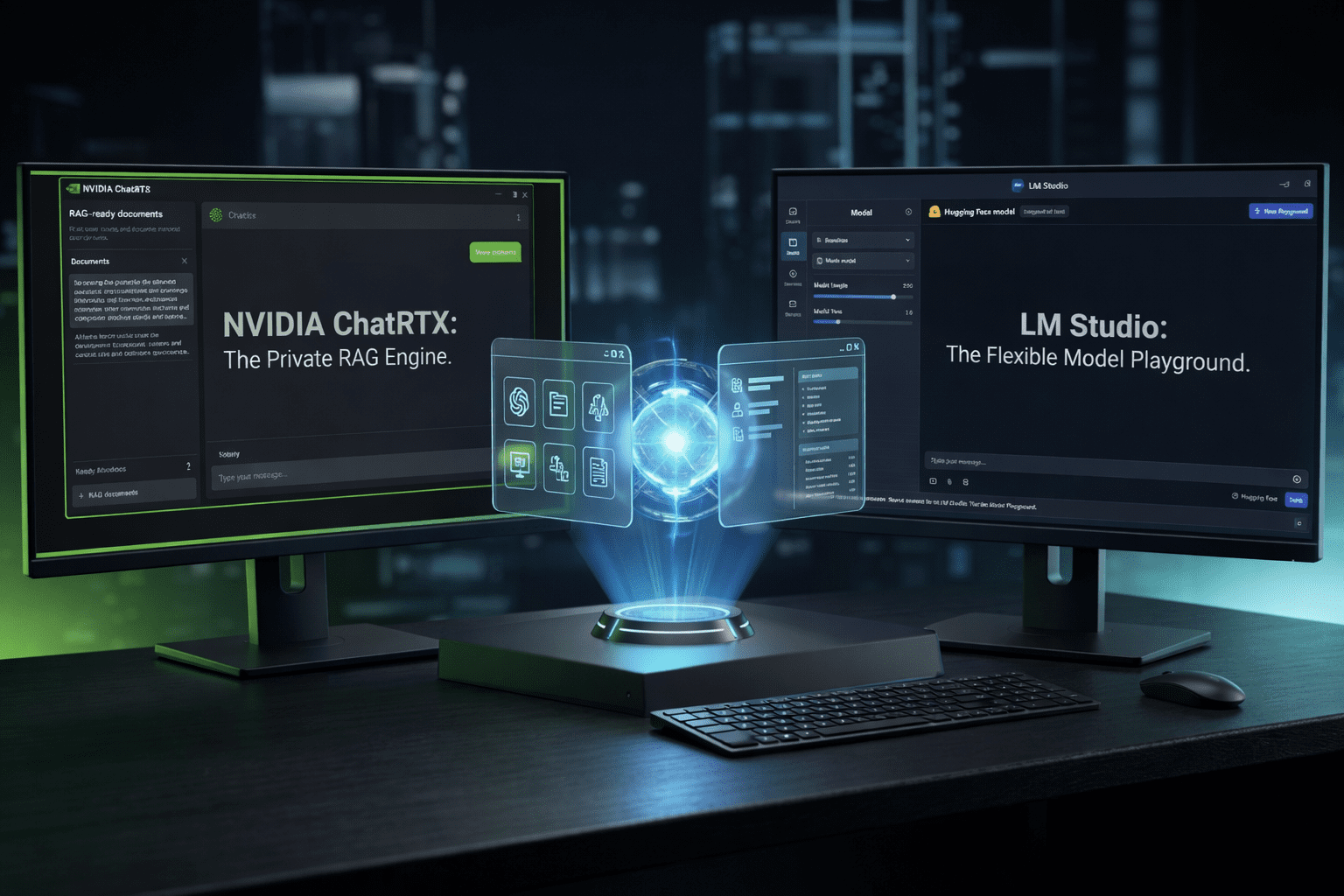
Privacy is no longer a luxury; it has become a necessity for anyone handling sensitive data or proprietary code. In this comprehensive Local AI interface comparison 2026, we are moving away from the cloud to explore the two titans of local execution: NVIDIA ChatRTX and LM Studio. If you’ve been following our best local LLM runners 2026 guide, you know that the software you choose is just as critical as the silicon inside your machine.
The year 2026 has seen a massive “repatriation” of data. Companies and creators are tired of their prompts being used to train the next big model. They want speed, they want offline access, and they want absolute privacy. This Local AI interface comparison 2026 is the result of three weeks of intensive testing on high-end workstations and mid-range laptops to see which tool actually deserves a spot on your desktop.
The Paradigm Shift to Local Execution
Why are we even talking about a Local AI interface comparison 2026? Because the “Cloud Tax” is becoming too high. Not just in terms of monthly subscriptions, but in terms of latency and security risks. When you run a model locally, you are the master of your data. You don’t need an internet connection, and your secrets stay on your NVMe drive.
According to latest reports from NVIDIA Newsroom, the number of RTX users running local AI tools has tripled in the last year. This isn’t just a niche hobby anymore. It is a fundamental shift in how we interact with computers. To make sense of this, you might want to revisit our best hardware for local AI 2026 to ensure your rig can handle what we are about to discuss.
Introducing the Contenders: ChatRTX vs. LM Studio
Before diving into the deep end of our Local AI interface comparison 2026, let’s define what these tools are.
NVIDIA ChatRTX is a tech demo turned professional tool. It is built to leverage the Tensor Cores of NVIDIA GPUs specifically. It uses Retrieval-Augmented Generation (RAG) to “talk” to your local documents, photos, and even YouTube playlists. It is lean, fast, and hyper-optimized.
LM Studio, on the other hand, is the “Swiss Army Knife” of local AI. It is model-agnostic, supporting a vast array of architectures from Hugging Face. It focuses on the discovery and seamless installation of models. In this Local AI interface comparison 2026, LM Studio represents the freedom of the open-source community, while ChatRTX represents the raw power of dedicated hardware optimization.
1. Performance and Hardware Optimization
In any Local AI interface comparison 2026, performance is the metric that everyone watches. ChatRTX has a massive home-field advantage here. Because it is developed by NVIDIA, it uses specialized libraries like TensorRT-LLM. This allows models to run significantly faster than they do on generic interfaces.
When I tested a Llama-3 8B model, ChatRTX achieved tokens-per-second counts that were nearly 20% higher than LM Studio on the same RTX 4090. However, LM Studio has made incredible strides. It allows for granular control over GPU offloading, which is essential if you are working with limited VRAM. If you are struggling with performance, our essential AI software 2026 guide covers other optimization layers you might find useful.
2. User Experience and Interface Design
LM Studio wins the “beauty contest” in this Local AI interface comparison 2026. Its interface is clean, intuitive, and reminiscent of a modern IDE. You can search for models, see their compatibility with your hardware via a color-coded system, and download them with one click. It feels like an app store for intelligence.
ChatRTX is more utilitarian. It’s a tool meant to be used, not stared at. The installation process can be a bit more finicky, often requiring specific driver versions. But once it’s up, the interface is dead simple: point it at a folder, and start chatting. For users who prefer simplicity over customizability, ChatRTX is a strong candidate in this Local AI interface comparison 2026.
3. The Power of RAG (Retrieval-Augmented Generation)
This is where the Local AI interface comparison 2026 gets interesting. ChatRTX was built with RAG as its core philosophy. You can index thousands of PDFs or Word docs in minutes. It then uses the GPU to search through them and provide answers based only on your files.
LM Studio has recently added RAG capabilities, but they feel like a secondary feature. In my testing, the accuracy of ChatRTX’s citations was superior. It rarely hallucinated when told to stick to the provided documents. If your goal is to build a “Second Brain,” as we discuss in our best AI digital brain tools 2026, ChatRTX’s implementation of local search is currently the gold standard.
4. Model Support and Flexibility
If you love experimenting with the latest “Model of the Week” from Hugging Face, LM Studio is the undisputed king of this Local AI interface comparison 2026. It supports GGUF, MLX, and various other formats. You are not locked into what NVIDIA thinks is best.
ChatRTX is much more restrictive. It supports a curated list of models (like Llama, Mistral, and CLIP). While this ensures that every model you run is perfectly optimized for your card, it limits your creativity. For developers who are used to the flexibility found in our train local AI model guide 2026, the restrictions of ChatRTX might feel a bit suffocating.
5. Technical Comparison Table
To help you decide, I’ve put together this concise summary for our Local AI interface comparison 2026.
| Feature | NVIDIA ChatRTX | LM Studio |
|---|---|---|
| Optimization | TensorRT-LLM (Extreme) | llama.cpp / MLX (High) |
| Model Variety | Curated/Limited | Unlimited (Hugging Face) |
| RAG Capabilities | Native & Ultra-Fast | Available via Plugins |
| Target User | Data-focused Professionals | Researchers & Hobbyists |
6. Privacy and Data Sovereignty
The core reason for any Local AI interface comparison 2026 is privacy. Both tools excel here as they work entirely offline. However, ChatRTX has a slight edge for enterprise users because it is a self-contained executable with very few dependencies.
In LM Studio, you are often downloading models through the app, which involves external requests to Hugging Face servers. While the data stays local, the metadata of what you are downloading is visible to the network. For those following our ai-cybersecurity-tools-2026 protocols, ChatRTX offers a slightly “darker” and more secure footprint for high-security environments.
7. Ecosystem Integration and Future-Proofing
NVIDIA is building an entire ecosystem around RTX. In this Local AI interface comparison 2026, we have to consider that ChatRTX will eventually link with NVIDIA Broadcast and other AI-driven tools. It’s part of a larger vision where your GPU is your personal AI server.
LM Studio, being independent, has to work harder to stay relevant. But their community-driven approach means they often support new hardware (like Mac M-series or Intel Arc) much faster than NVIDIA supports anything non-NVIDIA. If you are a multi-platform user, LM Studio is the logical choice in this Local AI interface comparison 2026.
Practical Implementation: Which One to Install?
If you are an analyst who needs to search through 500 spreadsheets and 1000 PDFs instantly, don’t overthink it: go with ChatRTX. Its speed and RAG accuracy make it a productivity beast. You can even combine its outputs with the best AI tools for data analytics in 2026 to create a completely private data pipeline.
If you are a writer, a developer, or a tinkerer who wants to see how different models (like Phi, Gemma, or custom uncensored models) react to the same prompt, LM Studio is your playground. It is the best way to understand the “personality” of different LLMs. Many developers use LM Studio to prototype before moving to a multi-agent AI team setup.
The Verdict: The Local AI Interface Comparison 2026 Winner
There is no single winner in this Local AI interface comparison 2026, but there is a right choice for you.
Choose NVIDIA ChatRTX if:
- You own an RTX 30 or 40-series GPU (or newer).
- Your primary goal is searching and chatting with your own local files (RAG).
- You want the absolute maximum tokens-per-second performance.
Choose LM Studio if:
- You want to explore thousands of different models.
- You are running on Mac, Linux, or non-NVIDIA hardware.
- You prefer a polished, user-friendly interface with an integrated search engine.
Closing Thoughts on Local Intelligence
The Local AI interface comparison 2026 shows that the power of the cloud is finally coming home. We are no longer tethered to the whims of big tech giants and their subscription models. Whether you choose the raw, optimized power of NVIDIA or the flexible, community-driven spirit of LM Studio, you are taking a stand for your data privacy.
As we continue to explore the autonomous AI research agents for business 2026, the role of local interfaces will only grow. They are the “safe harbors” in an increasingly chaotic digital world.
If you found this Local AI interface comparison 2026 helpful, make sure to check out our best hardware for local AI 2026 guide to make sure you have the horsepower to run these incredible tools. The future is local, and it starts with the software on your desktop today.